
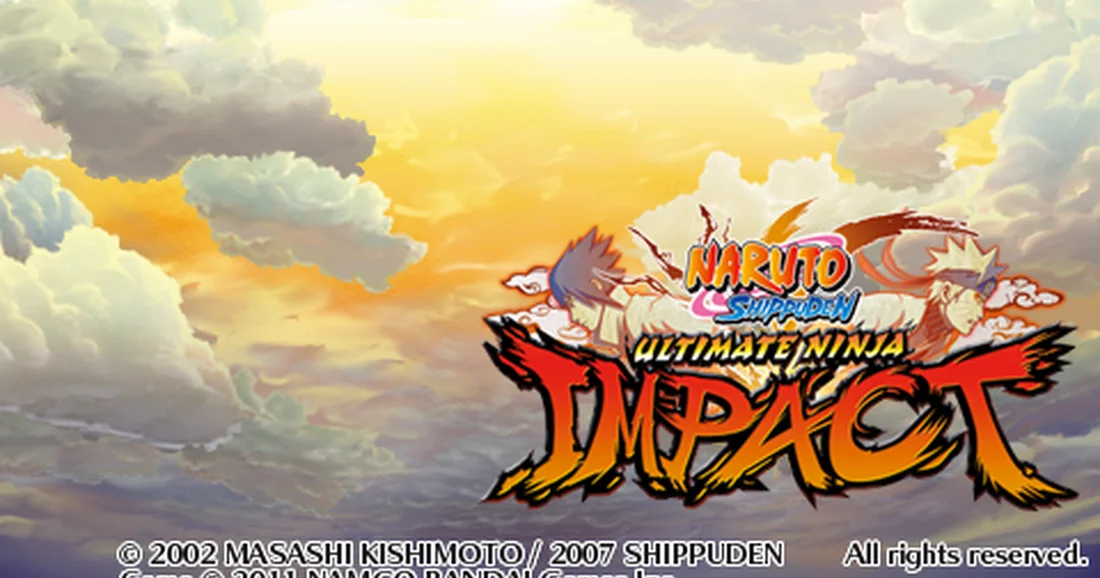
Read the controls below, then open the game website.
QUICK CONTROLS
- Click inside the game image, then use the arrow keys as the d-pad, Z as cross, X as circle, A as square, S as triangle, Enter as Start and Shift as Select; the analog stick maps to I, J, K and L.
- To play Tag Missions online with a friend, create a private room and share its code, then both players open Tag Missions and choose Team Play with Friend, with one selecting Create Lobby and the other Select Lobby.
- Enable Quick Start to skip prompts and videos and drop straight into a battle, or leave it off to see the full game menu.
PLAYING HERE
This game opens on its creator or browser-port website.
Needs an up-to-date Chrome or Edge; the site is an unofficial fan project not affiliated with Bandai Namco.
Full playing guide ↓THE GAME
About Naruto: Ultimate Ninja
This unofficial browser port runs the 2011 PSP action game, in which you fight missions using jutsu drawn from the Naruto Shippuden anime. You can also team up with a friend in cooperative Tag Missions.
How to play
- Click inside the game image, then use the arrow keys as the d-pad, Z as cross, X as circle, A as square, S as triangle, Enter as Start and Shift as Select; the analog stick maps to I, J, K and L.
- To play Tag Missions online with a friend, create a private room and share its code, then both players open Tag Missions and choose Team Play with Friend, with one selecting Create Lobby and the other Select Lobby.
- Enable Quick Start to skip prompts and videos and drop straight into a battle, or leave it off to see the full game menu.
- Export the browser-stored memory card if you want a backup of your progress.
Click inside the game image, then use the arrow keys as the d-pad, Z as cross, X as circle, A as square, S as triangle, Enter as Start and Shift as Select; the analog stick maps to I, J, K and L. To play Tag Missions online with a friend, create a private room and share its code, then both players open Tag Missions and choose Team Play with Friend, with one selecting Create Lobby and the other Select Lobby. Enable Quick Start to skip prompts and videos and drop straight into a battle, or leave it off to see the full game menu. Export the browser-stored memory card if you want a backup of your progress.
Provided by Bandai Namco (2011) · Browser version / host: Slayoner. Licence / source Game / browser-port project ↗
KEEP PLAYING
All 523 games →Find your next game


DOOM — Shareware
Shooting
Dragon Ball Z: Budokai 2
Fighting
Tekken: Dark Resurrection
Fighting
Neverball
Arcade
TMNT (Series)
Fighting ▶Game website ↗
