

Choose Play now to load the game.
QUICK CONTROLS
- Click inside the game canvas, then use W or Space to confirm, X to cancel, A to punch, S to guard, the arrow keys to move and Enter to start.
- Use the online panel to host a public or private match, join by room code or try a quick match against another player.
- Save and load states, or back up the virtual memory card as a .ps2 file, from the saves options.
PLAYING HERE
Click inside the game to focus its controls. Use theater or fullscreen mode for more room.
The initial load is long, and the game is made for PCs and may run slowly on mobile devices.
Full playing guide ↓THE GAME
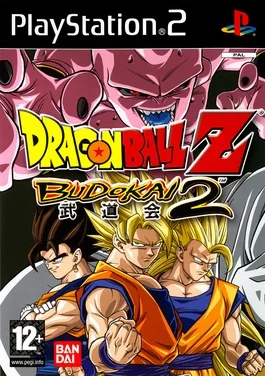
About Dragon Ball Z: Budokai
This browser version runs the PS2 fighting game with streamed game data and a choice of 30 or 60 FPS. A complete save with all 23 fighters, capsules and modes is installed by default, and you can fight the CPU or challenge another player online in 1v1 duels.
How to play
- Click inside the game canvas, then use W or Space to confirm, X to cancel, A to punch, S to guard, the arrow keys to move and Enter to start.
- Use the online panel to host a public or private match, join by room code or try a quick match against another player.
- Save and load states, or back up the virtual memory card as a .ps2 file, from the saves options.
Click inside the game canvas, then use W or Space to confirm, X to cancel, A to punch, S to guard, the arrow keys to move and Enter to start. Use the online panel to host a public or private match, join by room code or try a quick match against another player. Save and load states, or back up the virtual memory card as a .ps2 file, from the saves options.
Provided by Dimps (2002) · Browser version / host: zero10. Licence / source Game / browser-port project ↗
KEEP PLAYING
All 523 games →Find your next game

DOOM — Shareware
Shooting
Tekken: Dark Resurrection
Fighting
TMNT (Series)
Fighting
Neverball
Arcade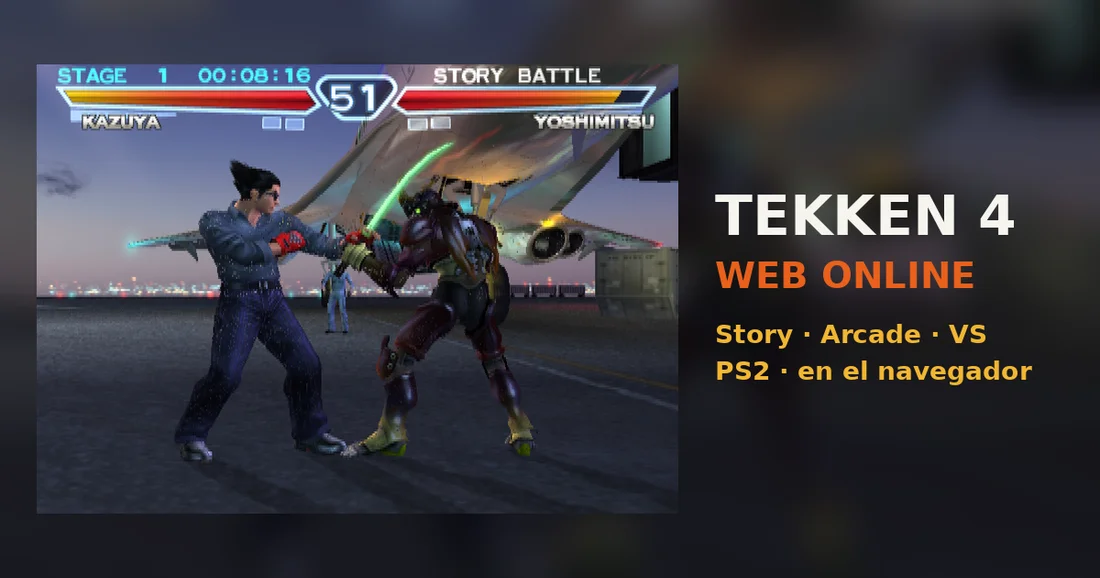 ▶Game website ↗
Tekken 4
Fighting ▶Game website ↗
