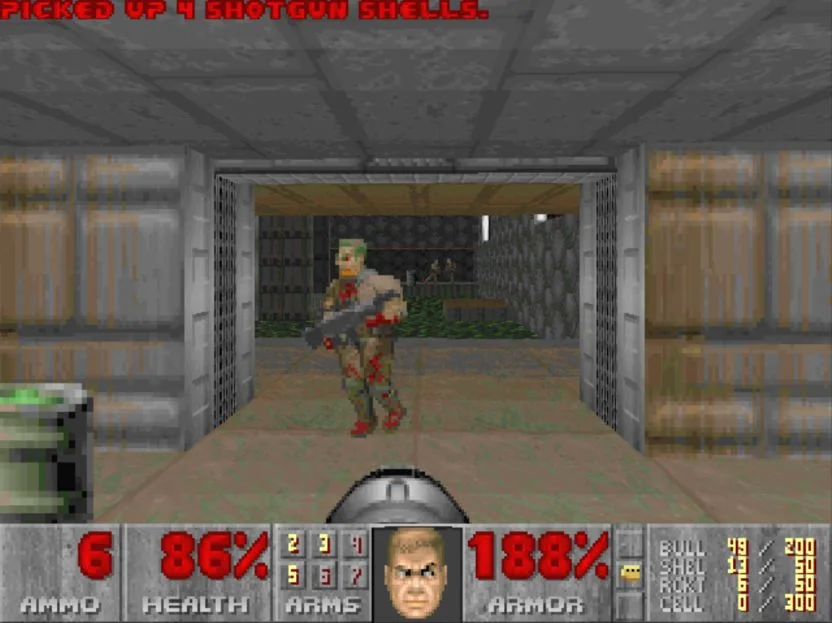
DOOM — Shareware
DOOM Shareware runs in WebPrBoom. Use a desktop keyboard and mouse. Choose the DOOM cover to play the shareware episode.
OPEN GAME WEBSITE ↗Choose Play now to load the game.
QUICK CONTROLS
- Double-click the game window to request mouse capture; press Escape to release it.
- Default keyboard bindings: W/S move forward/back, A/D strafe, Q/E turn, left Shift runs and Space uses a door or switch.
- The default fire button is the left mouse button. Click inside the player to focus it before aiming and firing.
- Default save/load shortcuts are F2 and F3. A saved custom profile can change these bindings.
- For a supported controller: left stick or D-pad moves, A fires, X runs, Y uses doors and switches, and LB/RB changes weapons.
PLAYING HERE
Click inside the game to focus its controls. Use theater or fullscreen mode for more room.
The launcher offers the shareware episode; commercial game data is separate.
Full playing guide ↓DOOM Shareware keyboard and mouse
Select the DOOM cover in WebPrBoom. In the game menu, choose New Game, then pick a difficulty.
| Action | Default control |
|---|---|
| Move forward or back | W / S |
| Strafe | A / D |
| Fire | Left mouse button |
| Open a door or use a switch | Space |
| Release the pointer | Escape |
Double-click inside the game if it needs to capture your mouse. At a door, face it and get close before pressing Space. Some doors need a key.
THE GAME
About DOOM — Shareware
Explore demon-filled bases in a browser port of the classic first-person shooter. Find colored keys, open locked doors and reach each exit. Use the shareware episode where offered; additional commercial episodes require the appropriate game data.
How to play
- Start the WebPrBoom player and select DOOM shareware rather than Freedoom if you want the original shareware episode.
- Begin a new game and select a difficulty. Start cautiously: move through the opening area and learn how your current control profile turns and fires before advancing.
- Collect weapons and ammunition from the level. Face doors or switches and press Space with the default profile; a locked door may require a key found elsewhere in the map.
- Find and activate the level exit. Save through the game's menu before stopping, then check that the save appears when you return in the same browser.
Use the launcher to select the available shareware game data and start an episode. Read the port’s control settings before entering a level; move, turn and fire with its configured keyboard or mouse bindings. Use doors and switches to explore the base, and match colored keys with their locked doors. Watch health and ammunition. Save before entering an unfamiliar area.
This player embeds WebPrBoom by raz0red. Choose its DOOM shareware content for the original game's shareware episode; the presence of a browser engine does not include the commercial DOOM campaigns. Freedoom is a separate game-data option offered by the port.
Getting the mouse back
WebPrBoom documents double-clicking the game window to lock the pointer. It notes that a browser may require another attempt. Escape releases capture so you can use the surrounding page again.
A physical keyboard/mouse or supported gamepad is required for this build. This page does not claim a tested mobile touch-control layout.
Shareware and saved games
The included DOOM shareware data is the shareware episode, not the full paid game. WebPrBoom also supports other compatible data in custom builds; that is a separate setup and not a promise that commercial data is supplied here.
The port documents persistent saves and configuration in browser storage. That storage belongs to the port's origin. Clearing browser data, private browsing or restrictions on embedded storage can affect it; cross-device save transfer has not been tested here.
Looking for a multiplayer session?
This guide covers the WebPrBoom shareware player. The site's DOOM Multiplayer page uses a different build. Its session setup and controls should not be assumed to apply to this player.
Guide notes & sources
WebPrBoom README, browser entry, frontend source and engine default bindings in src/m_misc.c reviewed on 2026-11-02. Keyboard defaults, controller mappings and persistence are upstream-documented. This review has not yet established a completed level, the deployed browser's active/custom binding profile, successful door interaction or save/reload round trip.
Guide checked .
Play DOOM in a browser: version and input help
This page uses WebPrBoom. Choose its DOOM shareware option for the original shareware episode; Freedoom and the separate DOOM Multiplayer page are different choices.
Is this the complete paid DOOM game?
No. The DOOM shareware option provides the shareware episode. The browser engine does not grant access to the full commercial campaigns. Other compatible game data and custom setups have separate requirements.
How do I move, fire and open a door?
With WebPrBoom's default profile, W/S move forward and back, A/D strafe, and the left mouse button fires. Face a door or switch and press Space to use it. Some doors need a key found in the level. Check the game's settings if a saved custom profile changes these keys.
Why does the mouse leave the game window?
WebPrBoom documents double-clicking inside the game to request pointer capture. The browser may require another attempt. Escape releases the pointer so you can use the surrounding page. A page opening successfully does not prove that pointer capture has been granted.
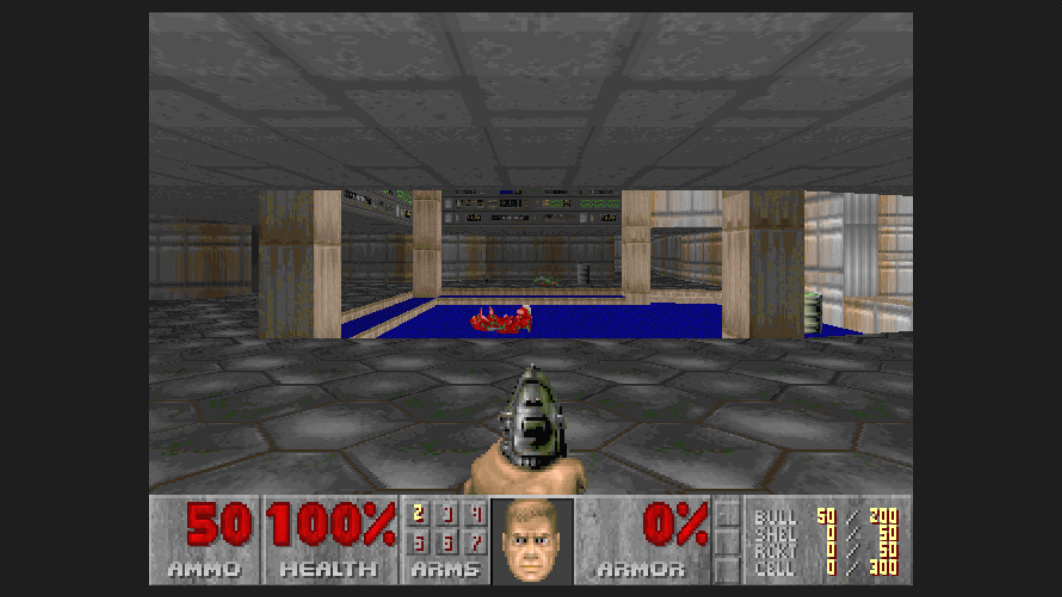
Versions & related titles
Choose another browser version or a title from this collection. These links open the named project pages.
- DOOM — Shareware · existing browser version ↗raz0red.github.io/webprboom/
- DOOM ↗dwasm.m-h.org.uk/
Provided by id Software · WebPrBoom by raz0red. Licence / source Browser port project ↗
KEEP PLAYING
All 523 games →