
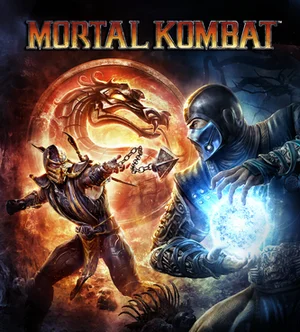
Choose Play now to load the game.
QUICK CONTROLS
- Move with the arrow keys or WASD; J or U is the front punch, I the back punch, K the front kick, L the back kick, O or Space is L1, P or Shift is R1, Enter is Start and Backspace is Select.
- Remap any key or detected controller button if the default layout does not suit you.
- Use Settings, Saves to export your progress to a file and import it in another browser.
PLAYING HERE
Click inside the game to focus its controls. Use theater or fullscreen mode for more room.
It needs an up-to-date Chrome, Edge, Opera or Brave, or Firefox from version 153, plus a graphics card from the last few years, and is for computers only for now.
Full playing guide ↓THE GAME
About Mortal Kombat 9
This port runs the complete 2011 fighting game in the browser, including every DLC and Kratos. It reboots the series by retelling the story of the first three games, with a story mode, a Challenge Tower, tag team matches, X-Ray moves and fatalities. The game downloads in pieces as fighters and arenas first appear.
How to play
- Move with the arrow keys or WASD; J or U is the front punch, I the back punch, K the front kick, L the back kick, O or Space is L1, P or Shift is R1, Enter is Start and Backspace is Select.
- Remap any key or detected controller button if the default layout does not suit you.
- Use Settings, Saves to export your progress to a file and import it in another browser.
- On slower computers, choose the Low quality option under Settings, Graphics.
Move with the arrow keys or WASD; J or U is the front punch, I the back punch, K the front kick, L the back kick, O or Space is L1, P or Shift is R1, Enter is Start and Backspace is Select. Remap any key or detected controller button if the default layout does not suit you. Use Settings, Saves to export your progress to a file and import it in another browser. On slower computers, choose the Low quality option under Settings, Graphics.
Provided by NetherRealm Studios (2011) · Browser version / host: LautaTWT. Licence / source Game / browser-port project ↗
KEEP PLAYING
All 523 games →Find your next game

DOOM — Shareware
Shooting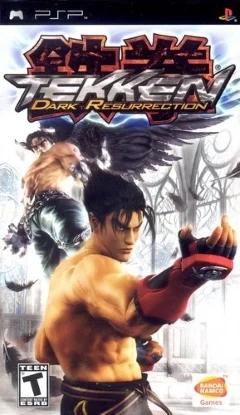
Tekken: Dark Resurrection
Fighting
TMNT (Series)
Fighting
Neverball
Arcade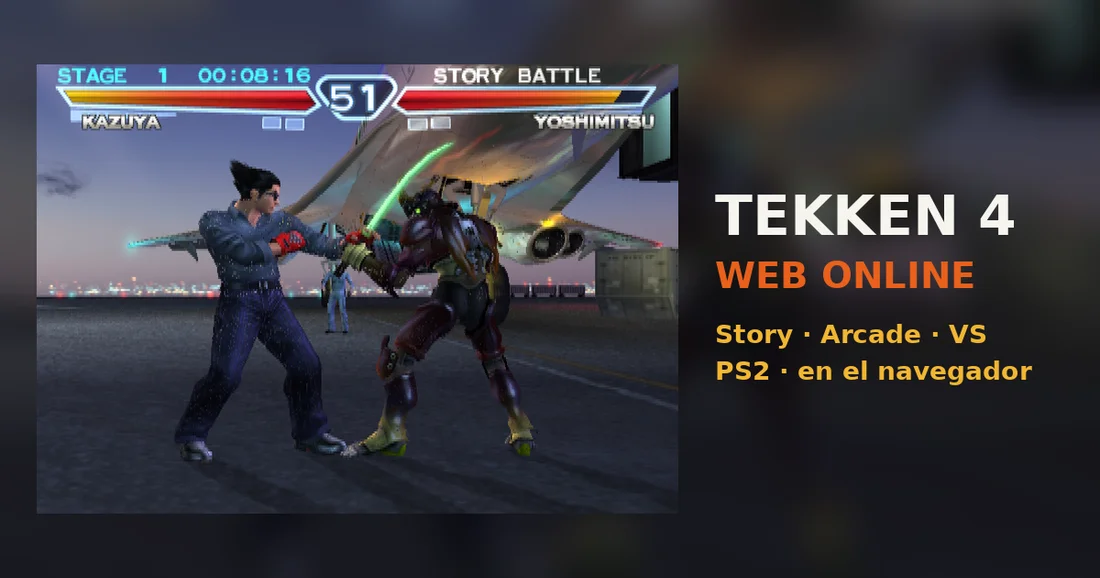 ▶Game website ↗
Tekken 4
Fighting ▶Game website ↗
