
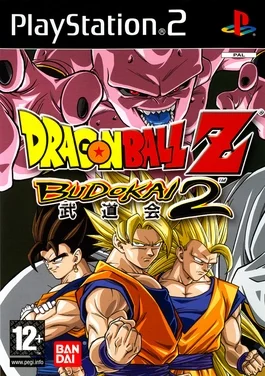
Choose Play now to load the game.
QUICK CONTROLS
- On a keyboard, press W or Space to confirm, X to cancel, the arrow keys to move and Enter to start; controllers work once plugged in.
- Use the control bar for fullscreen, save and load states, settings, mute and restart.
- For online play, host or join a room through the Online tab, or join a private match with a room code.
PLAYING HERE
Click inside the game to focus its controls. Use theater or fullscreen mode for more room.
The page is not optimized for mobile and recommends a PC browser; the initial load is long.
Full playing guide ↓THE GAME
About Dragon Ball Z: Budokai 2
This browser version of Dragon Ball Z: Budokai 2 streams the PlayStation 2 game data as needed and runs at up to 60 FPS. It offers offline play plus an Online tab for real-time 1v1 duels, with settings for volume, frame rate and aspect ratio.
How to play
- On a keyboard, press W or Space to confirm, X to cancel, the arrow keys to move and Enter to start; controllers work once plugged in.
- Use the control bar for fullscreen, save and load states, settings, mute and restart.
- For online play, host or join a room through the Online tab, or join a private match with a room code.
On a keyboard, press W or Space to confirm, X to cancel, the arrow keys to move and Enter to start; controllers work once plugged in. Use the control bar for fullscreen, save and load states, settings, mute and restart. For online play, host or join a room through the Online tab, or join a private match with a room code.
Provided by Dimps (2003) · Browser version / host: zero10. Licence / source Game / browser-port project ↗
KEEP PLAYING
All 523 games →Find your next game


DOOM — Shareware
Shooting
Tekken: Dark Resurrection
Fighting
TMNT (Series)
Fighting
Neverball
Arcade ▶Game website ↗
Tekken 4
Fighting ▶Game website ↗
