
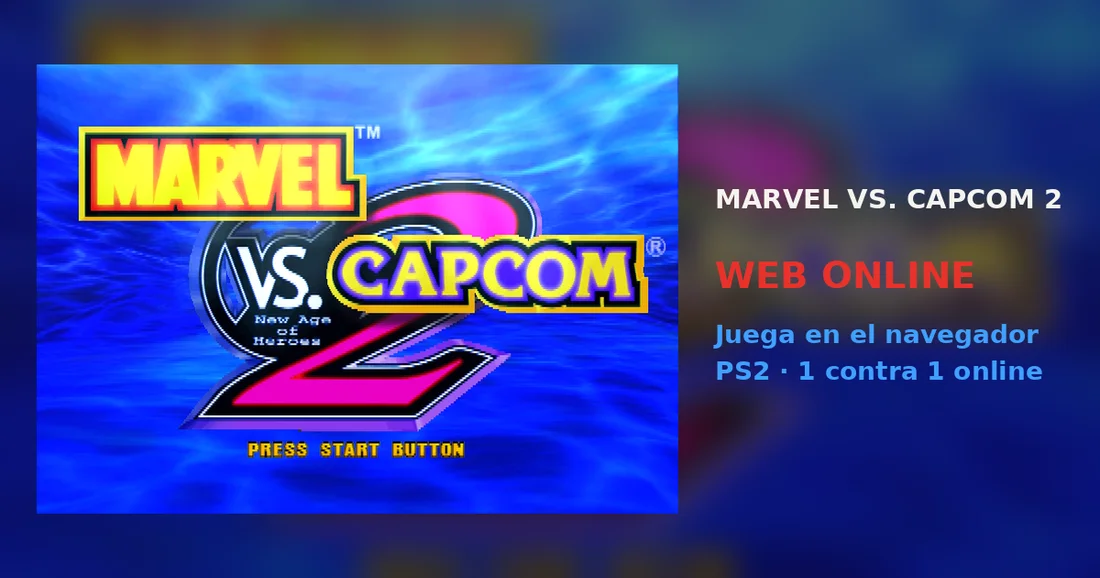
Read the controls below, then open the game website.
QUICK CONTROLS
- Click inside the game image, then use the arrow keys to move and A, W, S and D for the square, triangle, cross and circle buttons; Enter is Start.
- Choose Arcade Mode from the main menu and select your three characters and assist with the cross button.
- For an online fight, the room creator enters Arcade Mode and the second player presses Start on the character select screen to challenge.
PLAYING HERE
This game opens on its creator or browser-port website.
Needs an up-to-date Chrome or Edge; the game does not save on its own and the SAVE/LOAD menu option has not been tested.
Full playing guide ↓THE GAME
About Marvel vs Capcom 2
This browser version runs the Japanese PS2 release, so menus are in Japanese while fights are in English. You assemble a team of three fighters plus an assist and fight tag battles, either against the CPU in Arcade Mode or against another player online.
How to play
- Click inside the game image, then use the arrow keys to move and A, W, S and D for the square, triangle, cross and circle buttons; Enter is Start.
- Choose Arcade Mode from the main menu and select your three characters and assist with the cross button.
- For an online fight, the room creator enters Arcade Mode and the second player presses Start on the character select screen to challenge.
Click inside the game image, then use the arrow keys to move and A, W, S and D for the square, triangle, cross and circle buttons; Enter is Start. Choose Arcade Mode from the main menu and select your three characters and assist with the cross button. For an online fight, the room creator enters Arcade Mode and the second player presses Start on the character select screen to challenge.
Provided by Capcom (2000) · Browser version / host: Slayoner. Licence / source Game / browser-port project ↗
KEEP PLAYING
All 523 games →Find your next game

DOOM — Shareware
Shooting
Dragon Ball Z: Budokai 2
Fighting
Tekken: Dark Resurrection
Fighting
Neverball
Arcade
TMNT (Series)
Fighting ▶Game website ↗
