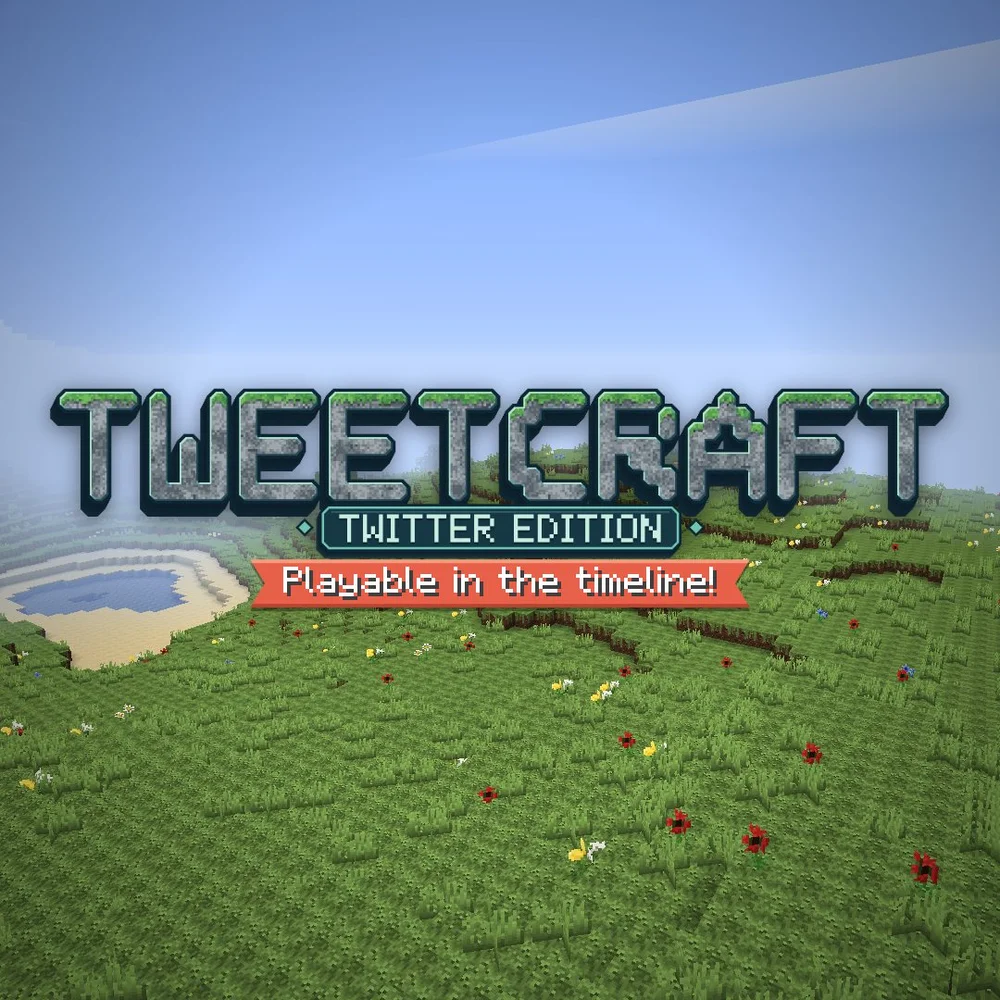
Choose Play now to load the game.
QUICK CONTROLS
- Browse the multiplayer world list, or search and sort it by most players, then join a world.
- On a computer, move with WASD, jump with Space, attack with the left mouse button and hold the right mouse button to turn the camera.
- Use the built-in chat and inventory, and press the Save your progress button to keep your progress.
PLAYING HERE
Click inside the game to focus its controls. Use theater or fullscreen mode for more room.
Creating your own world requires making a post on X.com, while joining pre-existing worlds has no such requirement.
Full playing guide ↓THE GAME
About Tweetcraft
Tweetcraft is a fan-made, Minecraft-style sandbox by jaivin that runs in the browser and can be played from inside X. Worlds are shared servers; you can join an existing one or create your own.
How to play
- Browse the multiplayer world list, or search and sort it by most players, then join a world.
- On a computer, move with WASD, jump with Space, attack with the left mouse button and hold the right mouse button to turn the camera.
- Use the built-in chat and inventory, and press the Save your progress button to keep your progress.
Browse the multiplayer world list, or search and sort it by most players, then join a world. On a computer, move with WASD, jump with Space, attack with the left mouse button and hold the right mouse button to turn the camera. Use the built-in chat and inventory, and press the Save your progress button to keep your progress.
Provided by jaivin (2026) · Browser version / host: jaivin. Licence / source Game / browser-port project ↗
KEEP PLAYING
All 523 games →Find your next game

DOOM — Shareware
Shooting
Raft
Sandbox ▶Game website ↗
Little Alchemy
Sandbox
Neverball
Arcade ▶Game website ↗