Superfighters
Local two-player play uses one desktop keyboard. Use the arrow keys or numeric keypad to join as Player 2.
OPEN GAME WEBSITE ↗Choose Play now to load the game.
QUICK CONTROLS
- Player 1: W/A/S/D for directional input; G for melee or pickup, H to fire, J for a grenade, T for a power-up and left Shift to sprint.
- Player 2: arrow keys for directional input; numeric-keypad 1 for melee or pickup, 2 to fire, 3 for a grenade, 4 for a power-up and right Shift to sprint.
- Use Settings → Controls to inspect or change a player's bindings before starting.
PLAYING HERE
Click inside the game to focus its controls. Use theater or fullscreen mode for more room.
Players three and four have no assigned keyboard keys, so controllers are recommended for local multiplayer.
Full playing guide ↓Superfighters local two-player controls
At the title screen, press Up Arrow or Num 1 to add Player 2. Choose Play, select Versus and pick a map before starting the fight.
| Action | Player 1 | Player 2 |
|---|---|---|
| Movement | W / A / S / D | Arrow keys |
| Melee or pick up | G | Num 1 |
| Fire | H | Num 2 |
| Grenade | J | Num 3 |
Num 1–3 are on the separate numeric keypad. If your keyboard has no keypad, open Settings → Controls, rebind those actions to unused keys and return to the match.
THE GAME
About Superfighters
This HTML5 build of Superfighters by decxx1 adds 60 fps gameplay, local play for up to four players and online multiplayer. The original 2D action game from Mythologic Interactive pits little flat-headed men against each other in small, highly destructible arenas, with modes including Versus, Stages, Survival, Practice and Tutorial.
How to play
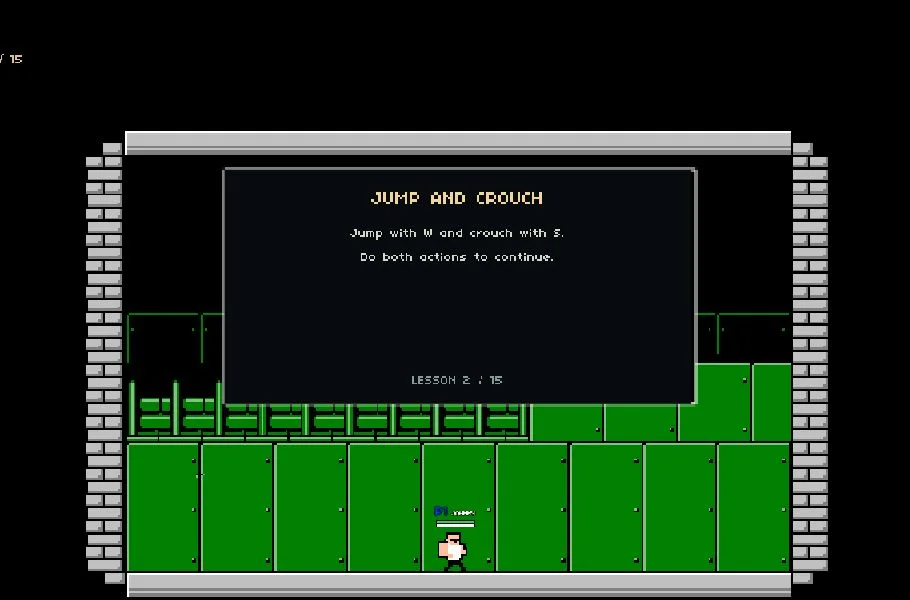
- Choose Play → Tutorial for the game's own introduction. Use the on-screen prompts to practise movement before trying a match.
- For a solo match, choose Versus and check the Bots tab. With no bots and only one human, there is no opponent to fight.
- Pick a map and starting weapon in the match setup, then select Fight. Move between platforms, collect weapons and use cover to survive the arena.
- For two people at one computer, configure two human players and check each player's keyboard profile. Read the second player's numeric-keypad bindings carefully; they are not the number keys above the letters.
Choose Play, Multiplayer or Settings from the menu, then pick a mode such as Versus, Stages, Survival, Practice or Tutorial. Set the number of bot opponents from zero to seven and choose a starting weapon before a match. For local multiplayer, connect controllers for players three and four, who have no default keyboard keys.
This page runs decxx1's HTML5 build of Superfighters. Its menus and default bindings differ from older Flash guides; it is not Superfighters Deluxe. The host also exposes an online multiplayer menu, which is separate from setting up players on one keyboard.
One keyboard and more players
The default keyboard profiles cover players one and two. Players three and four have no assigned keyboard keys. The port recommends controllers for those players; its Settings screen also allows keyboard binding changes.
Some keyboards cannot register several held keys together. If a fighter fails to move or fire while the other player is holding keys, change the bindings or use a controller. Controller and online-session compatibility are not established by the presence of their menu options.
Use this build's tutorial
Play includes Versus, Stages, Survival, Practice and Tutorial. Tutorial is the useful first stop for learning contextual actions rather than trying every key during a live fight.
If keyboard input appears to do nothing, click inside the game and check Settings → Controls. A saved custom profile can differ from the default bindings listed here.
Guide notes & sources
Port HTML menu and shipped JavaScript default bindings reviewed on 2026-11-02. Prior site checks reached tutorial movement. New full match, two-human keyboard play, gamepad support and online sessions are not claimed as verified.
Guide checked .
Superfighters two-player setup and controls
The embedded decxx1 HTML5 build has its own keyboard profiles. Use these bindings for this version; older Flash and Superfighters Deluxe guides can list different keys.
How do two people play on one computer?
Configure two human players in the match setup, then check Settings → Controls for both profiles. Player one uses W/A/S/D with G for melee or pickup, H to fire and J for a grenade. Player two uses the arrow keys with numeric-keypad 1, 2 and 3 for those actions. Pick a map and weapon setup, then select Fight.
Why do the second player's number keys do nothing?
The default profile uses the separate numeric keypad, not the number row above the letters. On a keyboard without that keypad, change player two's bindings in Settings → Controls. Check for clashes with player one's keys before starting a match.
Does online mean the same thing as local two-player?
No. Two people sharing the keyboard use the local player setup. The Multiplayer menu is a separate online-session option. This guide does not claim a successfully tested online session or four-player controller match.
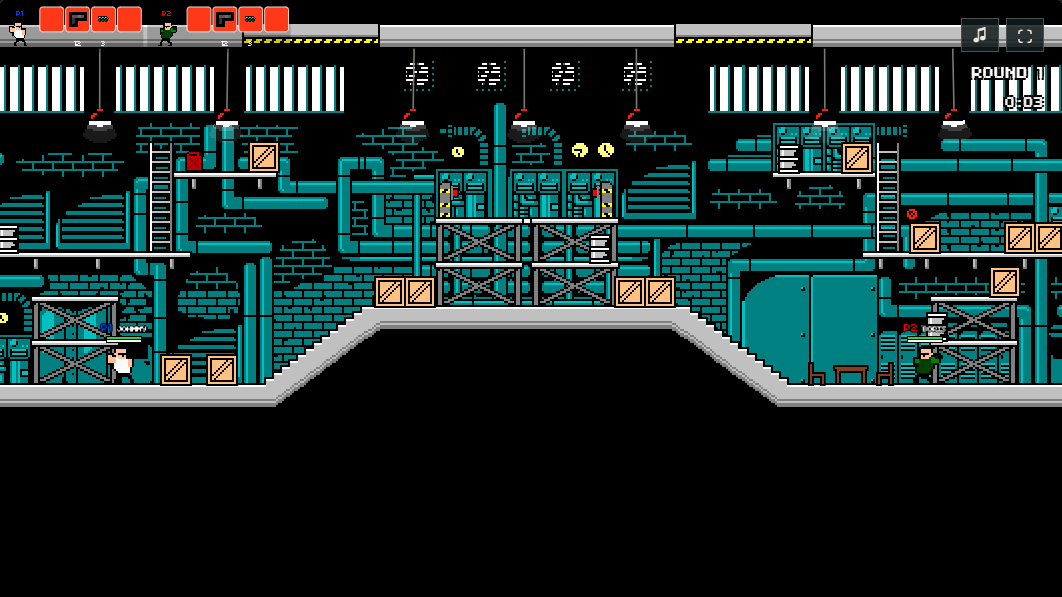
Provided by Mythologic Interactive · HTML5 port by decxx1. Licence / source Game / browser-port project ↗
KEEP PLAYING
All 523 games →