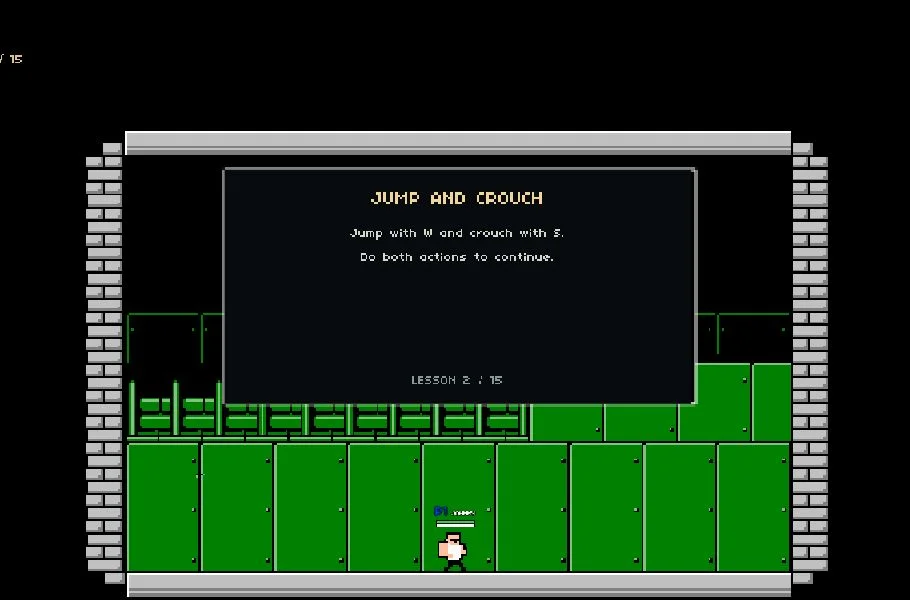
Choose Play now to load the game.
QUICK CONTROLS
- Choose to connect to a Java server or start singleplayer.
- In singleplayer, create a new world, explore a map from a provider, or load a Java world save.
- Use the options menu to adjust settings, and play with a keyboard, controller or touch controls.
PLAYING HERE
Click inside the game to focus its controls. Use theater or fullscreen mode for more room.
This is an unofficial client and the start screen warns that bugs should be expected.
Full playing guide ↓THE GAME
About Minecraft Web Client
This is an unofficial browser client, the Prismarine Web Client V2 presented by Sandexzx at version 2.3.0. You can join Java servers or play singleplayer by creating worlds offline, exploring maps from a provider, or loading a Java world save.
How to play
- Choose to connect to a Java server or start singleplayer.
- In singleplayer, create a new world, explore a map from a provider, or load a Java world save.
- Use the options menu to adjust settings, and play with a keyboard, controller or touch controls.
Choose to connect to a Java server or start singleplayer. In singleplayer, create a new world, explore a map from a provider, or load a Java world save. Use the options menu to adjust settings, and play with a keyboard, controller or touch controls.
Provided by Mojang Studios (2011) · Browser version / host: Sandexzx. Licence / source Game / browser-port project ↗
KEEP PLAYING
All 523 games →Find your next game

DOOM — Shareware
Shooting
Raft
Sandbox ▶Game website ↗
Little Alchemy
Sandbox
Neverball
Arcade ▶Game website ↗