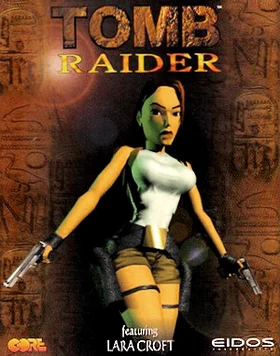
Read the controls below, then open the game website.
QUICK CONTROLS
- Line up running jumps and grab ledges to cross gaps and reach higher areas.
- Swim through submerged passages and search for switches and keys.
- Use the classic turning controls, judging distance and positioning carefully around traps and wildlife.
PLAYING HERE
This game opens on its creator or browser-port website.
The hosted demo needs no separate game-file upload.
Full playing guide ↓THE GAME
About Tomb Raider
This link opens XProger's OpenLara, an open-source recreation of the classic engine with a playable WebGL demo level. It offers the original game's style of tomb exploration, mixing environmental puzzles, precise platforming, swimming and searching for switches and keys while wildlife and traps interrupt the hunt.
How to play
- Line up running jumps and grab ledges to cross gaps and reach higher areas.
- Swim through submerged passages and search for switches and keys.
- Use the classic turning controls, judging distance and positioning carefully around traps and wildlife.
Line up running jumps and grab ledges to cross gaps and reach higher areas. Swim through submerged passages and search for switches and keys. Use the classic turning controls, judging distance and positioning carefully around traps and wildlife.
Provided by Core Design (1996) · Browser version / host: XProger. Licence / source Game / browser-port project ↗
KEEP PLAYING
All 523 games →