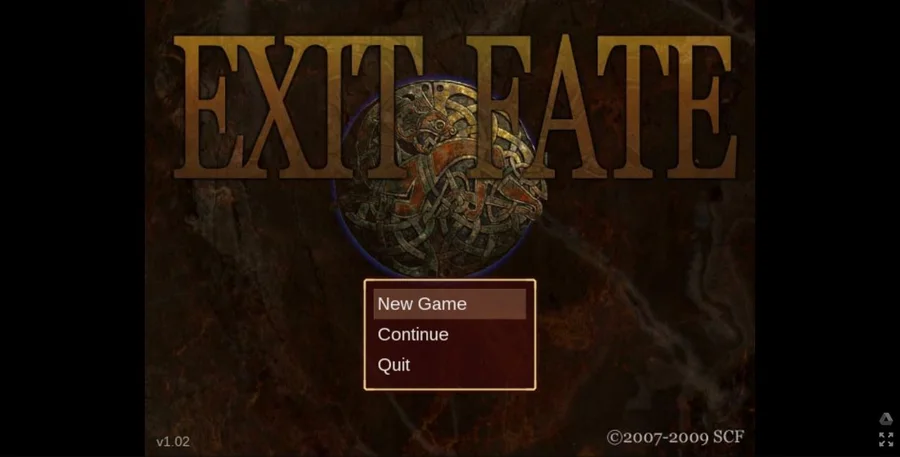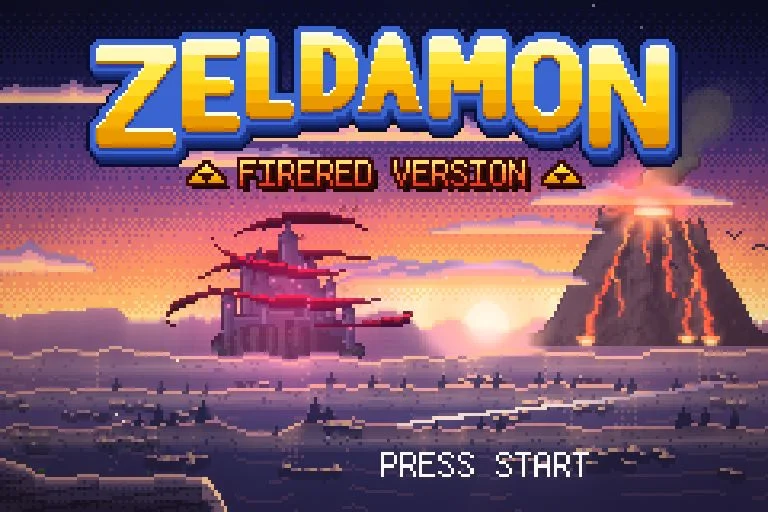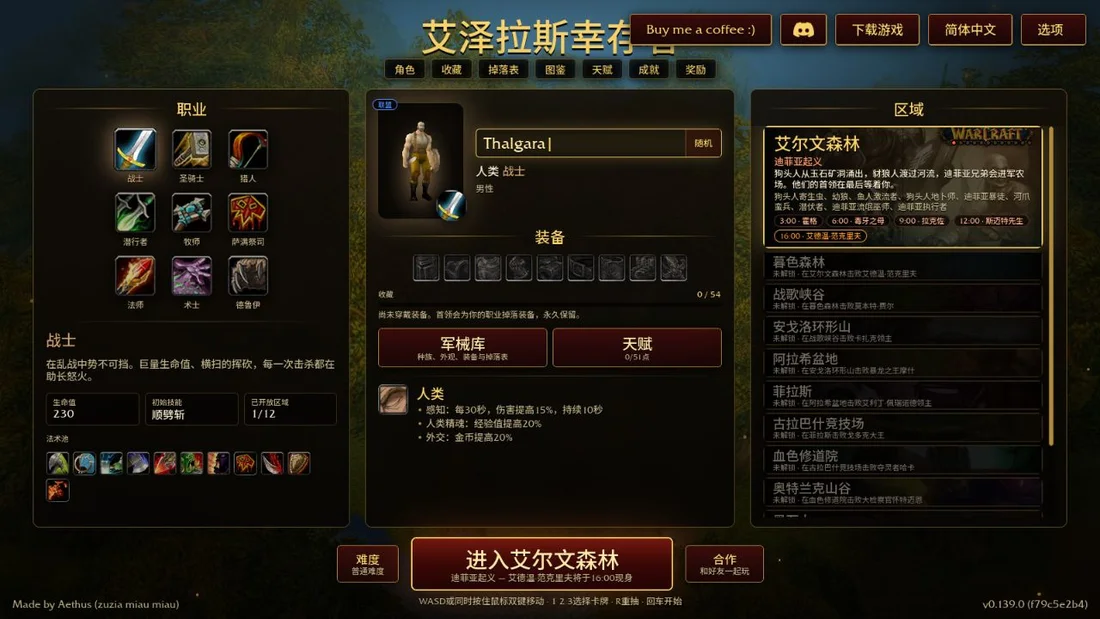
Choose Play now to load the game.
QUICK CONTROLS
- Open the Play link to reach the start screen, then choose Quest List to pick a quest and start playing.
- Use the default keyboard controls: Z and X for the A and B buttons, Q and W for L and R, Enter for Start and Space for the map.
- Change controls in the Settings menu, and enter a save file name so saves are kept in your browser.
PLAYING HERE
Click inside the game to focus its controls. Use theater or fullscreen mode for more room.
The browser version is experimental, so expect occasional sound hiccups and other bugs.
Full playing guide ↓THE GAME
About ZQuest Classic
ZQuest Classic is the open-source successor to Zelda Classic, an engine for building and playing top-down adventures in the style of early Zelda games. This experimental browser version lets you choose a fan-made quest from the Quest List and play it without installing anything.
How to play
- Open the Play link to reach the start screen, then choose Quest List to pick a quest and start playing.
- Use the default keyboard controls: Z and X for the A and B buttons, Q and W for L and R, Enter for Start and Space for the map.
- Change controls in the Settings menu, and enter a save file name so saves are kept in your browser.
Open the Play link to reach the start screen, then choose Quest List to pick a quest and start playing. Use the default keyboard controls: Z and X for the A and B buttons, Q and W for L and R, Enter for Start and Space for the map. Change controls in the Settings menu, and enter a save file name so saves are kept in your browser.
Versions & related titles
Choose another browser version or a title from this collection. These links open the named project pages.
- ZQuest Classic · 1 ↗web.zquestclassic.com/play/
- ZQuest Classic · 2 ↗web.zquestclassic.com/play/
- ZQuest Classic · 3 ↗web.zquestclassic.com/play/
- ZQuest Classic · 4 ↗web.zquestclassic.com/play/
- ZQuest Classic · 5 ↗web.zquestclassic.com/play/
- ZQuest Classic · 6 ↗web.zquestclassic.com/play/
Provided by Armageddon Games (1999 onward) · Browser version / host: Connor Clark. Licence / source Game collection / project ↗
KEEP PLAYING
All 523 games →