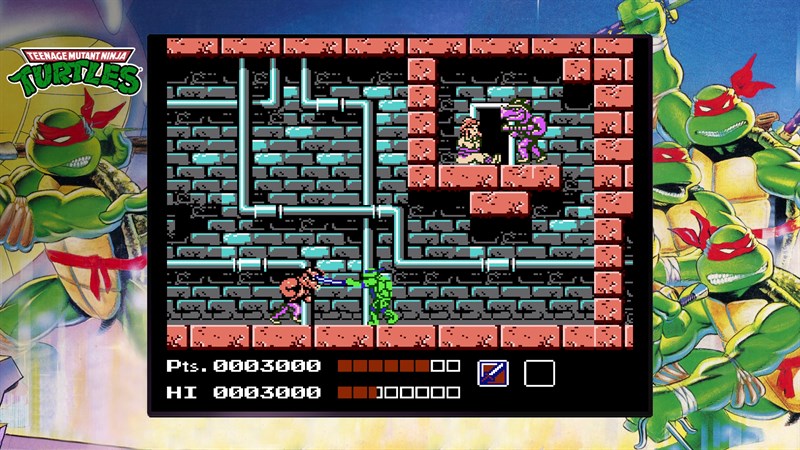
Teenage Mutant Ninja Turtles (NES)
Teenage Mutant Ninja Turtles (NES) in The Cowabunga Collection; the image shows this game in the collection. Microsoft sign-in, an eligible Game Pass plan and game purchase are required. Availability varies by region; a supported controller is required.
OPEN LICENSED PROVIDER ↗Open the licensed streaming provider; account and subscription requirements may apply.
QUICK CONTROLS
- Open the official Xbox Cloud Gaming page and sign in to an eligible Microsoft account.
- Start The Cowabunga Collection and select Teenage Mutant Ninja Turtles (NES) from the game menu.
- Switch between turtles, move and jump through each area, and use each turtle’s weapon against enemies.
PLAYING HERE
This game opens on its licensed streaming provider.
Teenage Mutant Ninja Turtles (NES) in The Cowabunga Collection; the image shows this game in the collection. Microsoft sign-in, an eligible Game Pass plan and game purchase are required. Availability varies by region; a supported controller is required.
Full playing guide ↓THE GAME
About Teenage Mutant Ninja Turtles (NES)
Explore a side-view city and sewer network as the four turtles in the original NES action game. The Cowabunga Collection includes this original console edition with modern collection features.
How to play
- Open the official Xbox Cloud Gaming page and sign in to an eligible Microsoft account.
- Start The Cowabunga Collection and select Teenage Mutant Ninja Turtles (NES) from the game menu.
- Switch between turtles, move and jump through each area, and use each turtle’s weapon against enemies.
Switch between turtles, move and jump through each area, and use each turtle’s weapon against enemies.
Provided by Konami; Xbox Cloud Gaming. Licence / source Open the official Xbox cloud collection ↗
KEEP PLAYING
All 612 games →