Read the controls below, then open the game website.
QUICK CONTROLS
- Create or sign in to an account on the site, then pick the Opus or Haiku world from the server selection screen.
- Use the in-game interface to move through Lorencia, speak with merchants and manage your inventory as you level your character.
- Open the menu to view the season pass, rewards, events, rankings, auction house and jewel bank; claiming season pass rewards requires a character at level 100 or with one reset.
PLAYING HERE
This game opens on its creator or browser-port website.
The site and in-game menus are in Portuguese, and the premium season pass track costs 1,000 WCoin, though the screens do not explain how WCoin is obtained.
Full playing guide ↓THE GAME
About MU Online
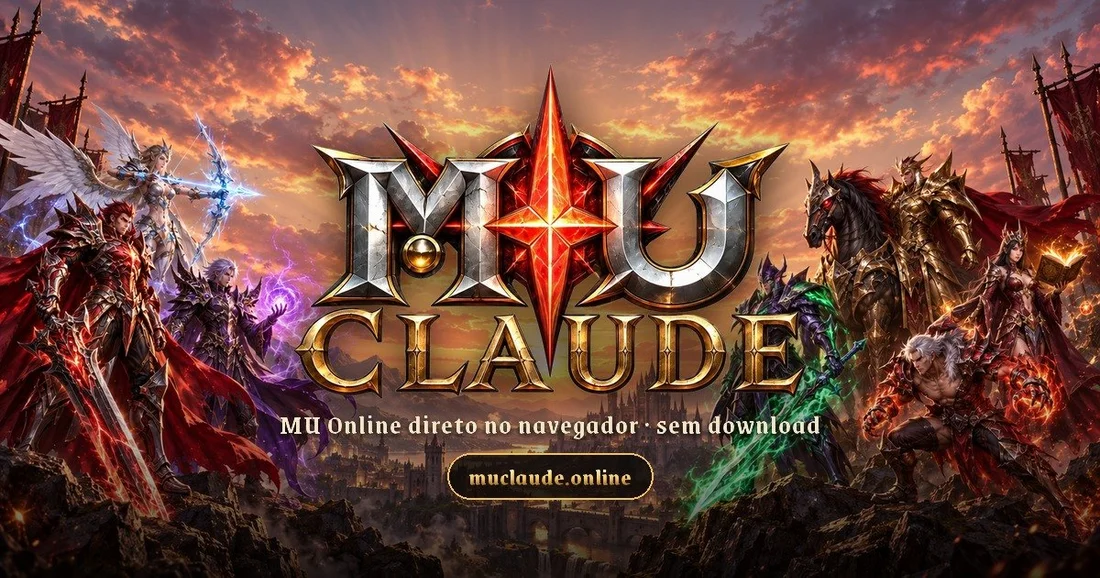
This fan-run server presents two MU Online worlds under one account: Opus, a Season 6 Episode 3 server with x100 experience and resets at level 400, and Haiku, a 0.97d classic server with 10x experience and drops. Characters belong to the server where they were made.
How to play
- Create or sign in to an account on the site, then pick the Opus or Haiku world from the server selection screen.
- Use the in-game interface to move through Lorencia, speak with merchants and manage your inventory as you level your character.
- Open the menu to view the season pass, rewards, events, rankings, auction house and jewel bank; claiming season pass rewards requires a character at level 100 or with one reset.
- Note that the site and in-game menus are in Portuguese, though some event messages appear in English.
Create or sign in to an account on the site, then pick the Opus or Haiku world from the server selection screen. Use the in-game interface to move through Lorencia, speak with merchants and manage your inventory as you level your character. Open the menu to view the season pass, rewards, events, rankings, auction house and jewel bank; claiming season pass rewards requires a character at level 100 or with one reset. Note that the site and in-game menus are in Portuguese, though some event messages appear in English.
Versions & related titles
Choose another browser version or a title from this collection. These links open the named project pages.
- MU Online · muclaude.online ↗muclaude.online/
- MU Online · myverya.com ↗muveyra.com/
Provided by Webzen (2001) · Browser version / host: muclaude.online. Licence / source Game / browser-port project ↗
KEEP PLAYING
All 523 games →