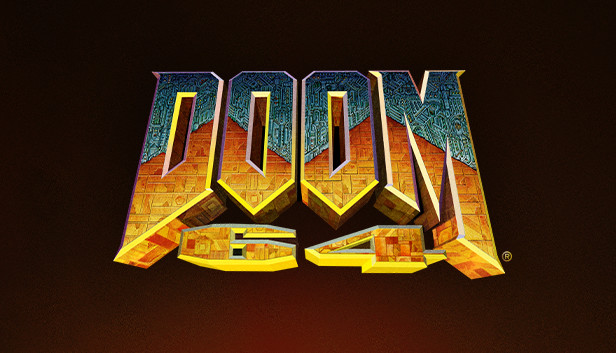
DOOM 64
Enhanced release of the Nintendo 64 game via Xbox Cloud Gaming. Microsoft sign-in and an eligible Game Pass plan are required; game purchase may also be required. Availability depends on region. The Steam PC edition requires installation and may require purchase.
OPEN LICENSED PROVIDER ↗Open the licensed streaming provider; account and subscription requirements may apply.
QUICK CONTROLS
- Open the official Xbox Cloud Gaming page and sign in to an eligible Microsoft account, or choose the Steam PC edition below.
- Start the game on Xbox Cloud Gaming with a supported controller, or install the PC edition and select a difficulty.
- Explore the levels, collect keys and ammunition, and fight through the demon-infested facilities.
PLAYING HERE
This game opens on its licensed streaming provider.
Enhanced release of the Nintendo 64 game via Xbox Cloud Gaming. Microsoft sign-in and an eligible Game Pass plan are required; game purchase may also be required. Availability depends on region. The Steam PC edition requires installation and may require purchase.
Full playing guide ↓THE GAME
About DOOM 64
Explore demon-infested bases, find keys and battle the forces of Hell in the enhanced re-release of DOOM 64.
How to play
- Open the official Xbox Cloud Gaming page and sign in to an eligible Microsoft account, or choose the Steam PC edition below.
- Start the game on Xbox Cloud Gaming with a supported controller, or install the PC edition and select a difficulty.
- Explore the levels, collect keys and ammunition, and fight through the demon-infested facilities.
Move through each level, collect keys and ammunition, and fight through the demon-infested facilities.
Versions & related titles
Choose a listed edition or related title. These links open the named project pages.
- DOOM 64 — Xbox Cloud Gaming (sign-in and eligible Game Pass required) ↗www.xbox.com/en-us/play/games/doom-64/9mxnd4pqlk3w
- DOOM 64 — official Steam PC edition (installation required) ↗store.steampowered.com/app/1148590/DOOM_64/
Provided by Bethesda Softworks / Nightdive Studios; Xbox Cloud Gaming. Licence / source Open the official Xbox cloud game ↗
KEEP PLAYING
All 612 games →