Read the controls below, then open the game website.
QUICK CONTROLS
- In the Café, use the Jukebox to select and play maps, and use left and right arrows or the d-pad to change the tab or map pack.
- Hit notes using A and D, F and J, S and K, or any combination, or bumpers and triggers on a controller.
- Hold C (Y/Triangle on controller) while a map is in progress to exit it.
PLAYING HERE
This game opens on its creator or browser-port website.
Custom maps are only available in the downloadable version, not the web version.
Full playing guide ↓THE GAME
About Deltarune: Lightners Live Plus
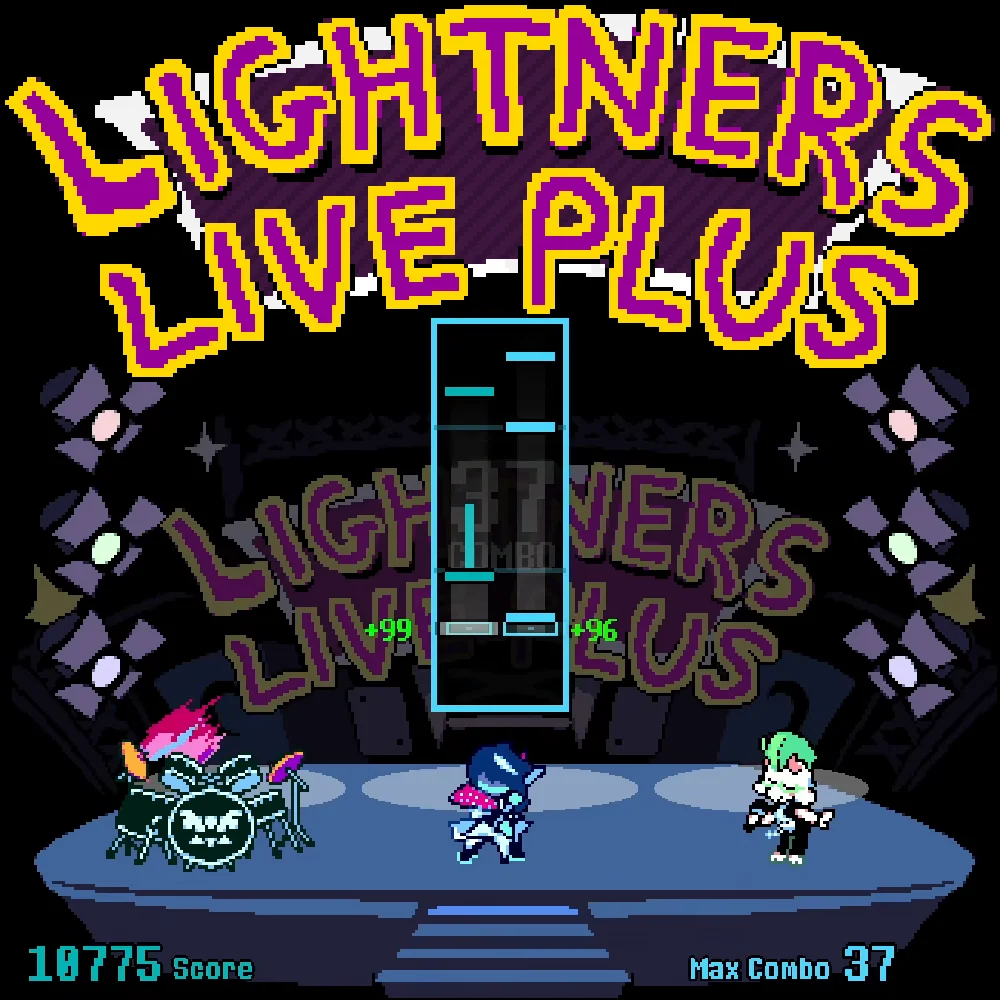
Deltarune: Lightners Live Plus is an unofficial fangame by EzioEagle recreating the rhythm game from Deltarune Chapter 3. The Café serves as the main menu, where you pick maps and adjust settings before playing tracks.
How to play
- In the Café, use the Jukebox to select and play maps, and use left and right arrows or the d-pad to change the tab or map pack.
- Hit notes using A and D, F and J, S and K, or any combination, or bumpers and triggers on a controller.
- Hold C (Y/Triangle on controller) while a map is in progress to exit it.
- Open Swatch for settings such as the latency offset if timing feels off.
In the Café, use the Jukebox to select and play maps, and use left and right arrows or the d-pad to change the tab or map pack. Hit notes using A and D, F and J, S and K, or any combination, or bumpers and triggers on a controller. Hold C (Y/Triangle on controller) while a map is in progress to exit it. Open Swatch for settings such as the latency offset if timing feels off.
Provided by EzioEagle · Browser version / host: EzioEagle. Licence / source Game / browser-port project ↗
KEEP PLAYING
All 523 games →