Read the controls below, then open the game website.
QUICK CONTROLS
- Click Run game and let the first download finish, then click inside the game and press Enter at the title screen.
- Use the arrow keys as the D-pad and WASD as the analog stick; Space is Cross, Z is Circle, X is Square, C is Triangle, Q and E are the shoulder buttons, Enter is Start and Shift is Select.
- For local hot-seat play with 1 to 4 players, pass the keyboard or gamepad between turns.
PLAYING HERE
This game opens on its creator or browser-port website.
The port is still in development, the game downloads on first launch, and a recent desktop Chrome, Edge or Firefox is recommended.
Full playing guide ↓THE GAME
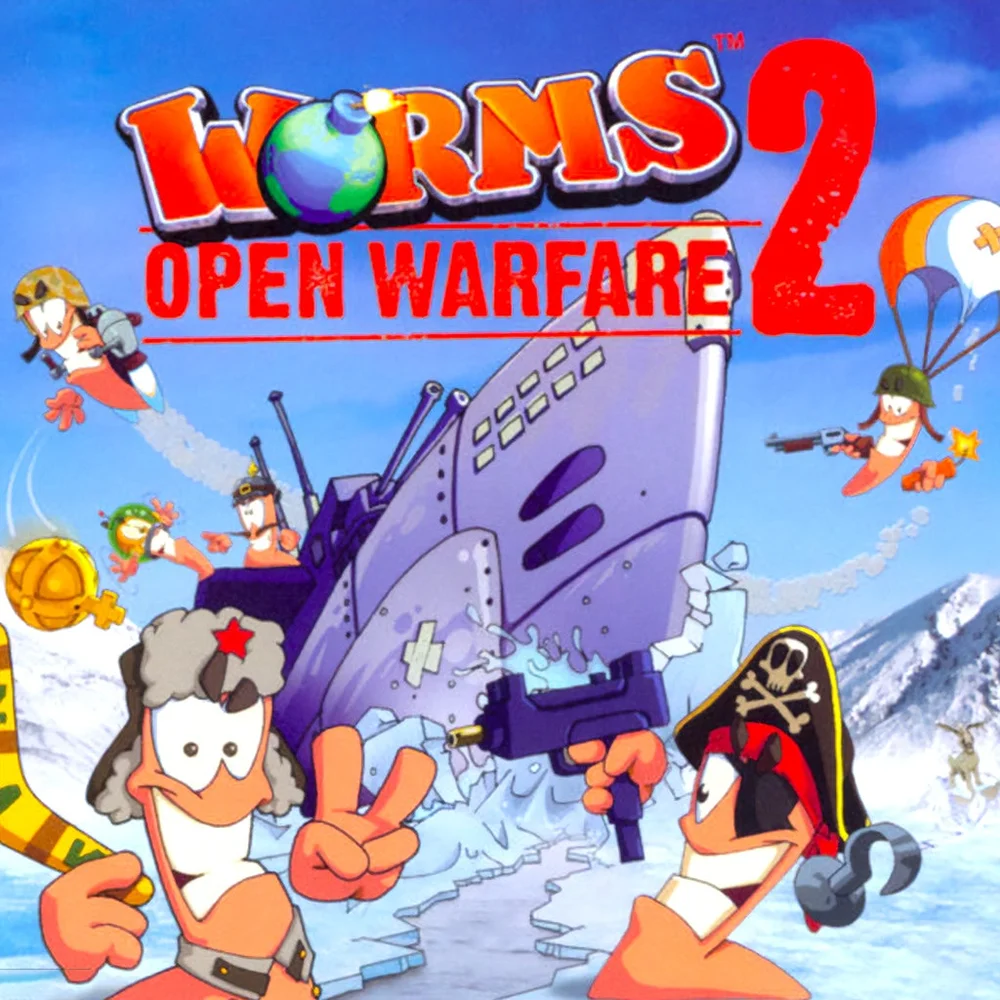
About Worms: Open Warfare 2
This fan-made browser edition runs the 2007 PSP artillery strategy game through an emulator. Teams of worms take turns aiming bazookas, grenades and other weapons to wipe each other out on destructible landscapes. The port is still in development, and the game downloads on first launch.
How to play
- Click Run game and let the first download finish, then click inside the game and press Enter at the title screen.
- Use the arrow keys as the D-pad and WASD as the analog stick; Space is Cross, Z is Circle, X is Square, C is Triangle, Q and E are the shoulder buttons, Enter is Start and Shift is Select.
- For local hot-seat play with 1 to 4 players, pass the keyboard or gamepad between turns.
- When entering a name on the on-screen keyboard, move with the arrow keys, press X to enter a character, Space for a space, Z to delete and Enter to finish.
Click Run game and let the first download finish, then click inside the game and press Enter at the title screen. Use the arrow keys as the D-pad and WASD as the analog stick; Space is Cross, Z is Circle, X is Square, C is Triangle, Q and E are the shoulder buttons, Enter is Start and Shift is Select. For local hot-seat play with 1 to 4 players, pass the keyboard or gamepad between turns. When entering a name on the on-screen keyboard, move with the arrow keys, press X to enter a character, Space for a space, Z to delete and Enter to finish.
Provided by Team17 (2007) · Browser version / host: dezm0n. Licence / source Game / browser-port project ↗
KEEP PLAYING
All 523 games →