Tomb Raider II (Remastered)
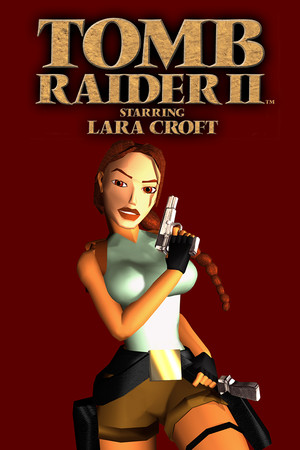
Tomb Raider II in the Tomb Raider I–III Remastered collection, not the original PlayStation build. GeForce NOW requires sign-in, a supported region and ownership of a supported PC store edition; membership, waiting times and device support vary. The artwork is from the original PC release.
OPEN LICENSED PROVIDER ↗Open the licensed streaming provider; account and subscription requirements may apply.
QUICK CONTROLS
- Open the GeForce NOW cloud game page and sign in to a supported account.
- Connect a PC game store account that owns Tomb Raider I–III Remastered, then start the collection.
- Select Tomb Raider II in the collection.
PLAYING HERE
This game opens on its licensed streaming provider.
Tomb Raider II in the Tomb Raider I–III Remastered collection, not the original PlayStation build. GeForce NOW requires sign-in, a supported region and ownership of a supported PC store edition; membership, waiting times and device support vary. The artwork is from the original PC release.
Full playing guide ↓THE GAME
About Tomb Raider II (Remastered)
Tomb Raider II follows Lara Croft in pursuit of the Dagger of Xian across locations including Venice, Tibet and China. Tomb Raider I–III Remastered includes the second adventure with updated visuals and an option to switch to classic graphics.
How to play
- Open the GeForce NOW cloud game page and sign in to a supported account.
- Connect a PC game store account that owns Tomb Raider I–III Remastered, then start the collection.
- Select Tomb Raider II in the collection.
- Explore each level, line up jumps, climb ledges and swim through passages. Find switches and keys, collect supplies and defend Lara against enemies.
Explore each level, line up jumps, climb ledges and swim through passages. Find switches and keys, collect supplies and defend Lara against enemies.
Provided by Aspyr / Crystal Dynamics; NVIDIA GeForce NOW. Licence / source Open the licensed GeForce NOW collection ↗
KEEP PLAYING
All 612 games →