Rock N Roll Racing (Blizzard Arcade Collection)
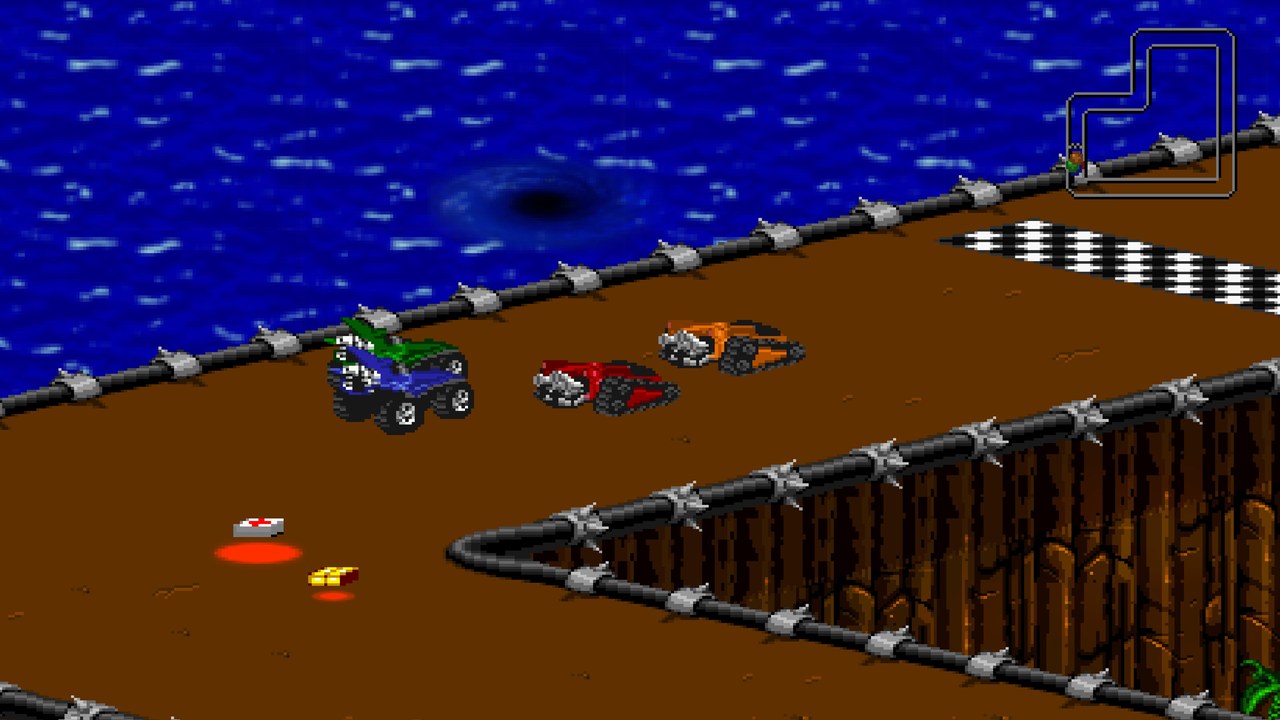
Rock N Roll Racing in Blizzard Arcade Collection, which includes original console editions and an updated Definitive Edition. Xbox cloud streaming requires a supported region, Microsoft sign-in, an eligible Game Pass plan and a compatible controller; purchase may also be required. The picture is an official collection gameplay screenshot.
OPEN LICENSED PROVIDER ↗Open the licensed streaming provider; account and subscription requirements may apply.
QUICK CONTROLS
- Open the official Xbox Cloud Gaming page and sign in with an eligible account.
- Start Blizzard Arcade Collection, select Rock N Roll Racing, then choose an original or Definitive Edition.
- Use the controller layout shown in the game to steer, accelerate and fire; follow the track and finish ahead of opponents.
PLAYING HERE
This game opens on its licensed streaming provider.
Rock N Roll Racing in Blizzard Arcade Collection, which includes original console editions and an updated Definitive Edition. Xbox cloud streaming requires a supported region, Microsoft sign-in, an eligible Game Pass plan and a compatible controller; purchase may also be required. The picture is an official collection gameplay screenshot.
Full playing guide ↓THE GAME
About Rock N Roll Racing (Blizzard Arcade Collection)
Rock N Roll Racing combines isometric racing with vehicle combat. The Blizzard Arcade Collection brings back its original console editions and also offers an updated Definitive Edition.
How to play
- Open the official Xbox Cloud Gaming page and sign in with an eligible account.
- Start Blizzard Arcade Collection, select Rock N Roll Racing, then choose an original or Definitive Edition.
- Use the controller layout shown in the game to steer, accelerate and fire; follow the track and finish ahead of opponents.
Steer around the track, accelerate and use your vehicle’s weapons and pickups to outpace rivals. Finish races and upgrade your vehicle as you progress.
Provided by Blizzard Entertainment; Xbox Cloud Gaming. Licence / source Open the official Xbox cloud collection ↗
KEEP PLAYING
All 612 games →