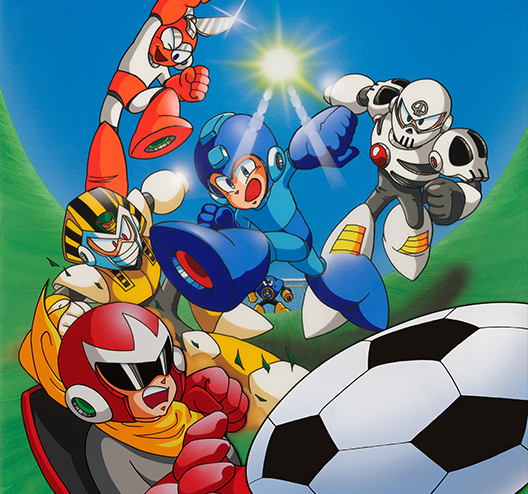
Read the controls below, then open the game website.
QUICK CONTROLS
- Open the official Capcom Town game page and sign in with a Capcom ID.
- Select Play Game, choose your team and use Enter to start.
- Move with the arrow keys, pass with A, shoot with Z and use C plus Z for a special attack.
PLAYING HERE
This game opens on its creator or browser-port website.
Official Capcom Town browser edition; a Capcom ID is required. Progress resets when leaving the page. Availability is subject to Capcom's terms.
Full playing guide ↓THE GAME
About Mega Man Soccer
Take a team of Mega Man characters onto the pitch in Capcom's action-filled soccer game, where characters have different abilities and special shots.
How to play
- Open the official Capcom Town game page and sign in with a Capcom ID.
- Select Play Game, choose your team and use Enter to start.
- Move with the arrow keys, pass with A, shoot with Z and use C plus Z for a special attack.
Use the arrow keys to move, Z to shoot or tackle, and A to pass. Hold C and press Z for a special attack; press Enter to start or pause.
Provided by Capcom. Licence / source Play the official browser edition ↗
KEEP PLAYING
All 612 games →