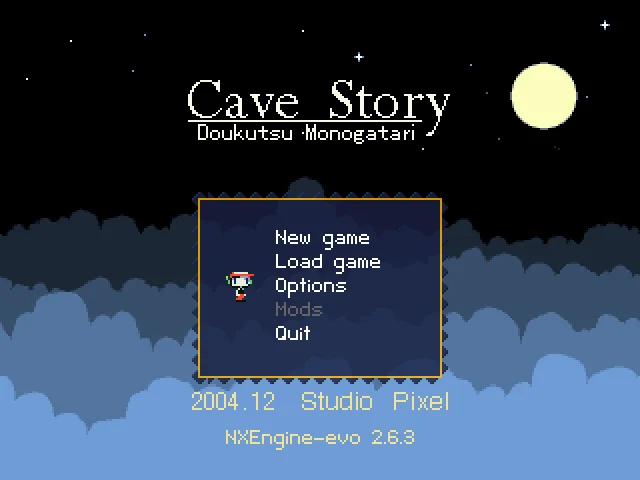
Read the controls below, then open the game website.
QUICK CONTROLS
- Start a new game and follow the opening cave to learn movement.
- The default keyboard controls use arrows to move, Z to jump and X to fire.
- Press Down near a character or door to interact; collect experience to strengthen your weapon.
PLAYING HERE
This game opens on its creator or browser-port website.
Full playing guide ↓THE GAME
About Cave Story
Explore an underground world of villages, laboratories and dangerous caves. Movement, conversations and weapon upgrades gradually open new paths. This entry uses the freeware Cave Story port, rather than the separate commercial Cave Story+ release.
How to play
- Start a new game and follow the opening cave to learn movement.
- The default keyboard controls use arrows to move, Z to jump and X to fire.
- Press Down near a character or door to interact; collect experience to strengthen your weapon.
- Use save points as you explore. The port’s host restricts embedding, so play opens there.
Start a new game and follow the opening cave to learn movement. The default keyboard controls use arrows to move, Z to jump and X to fire. Press Down near a character or door to interact; collect experience to strengthen your weapon. Use save points as you explore. The port’s host restricts embedding, so play opens there.
Provided by Studio Pixel · NXEngine-evo browser port by midzer. Licence / source Browser port project ↗
KEEP PLAYING
All 523 games →