 ▶Official release ↗
Read the controls below, then open the game website.
QUICK CONTROLS
- Use WASD to move and the mouse to aim and attack.
- Pick up weapons, reload behind cover and watch for enemies approaching from different doors.
PLAYING HERE
This game opens on its creator or browser-port website.
Full playing guide ↓THE GAME
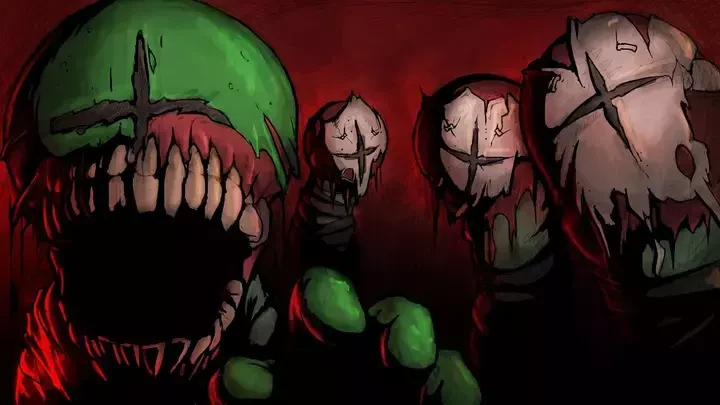
About Madness: Project Nexus Classic
The original Flash Project Nexus has story missions and an arena mode centered on weapon pickups and close-quarters firefights.
How to play
- Use WASD to move and the mouse to aim and attack.
- Pick up weapons, reload behind cover and watch for enemies approaching from different doors.
Use WASD to move and the mouse to aim and attack. Pick up weapons, reload behind cover and watch for enemies approaching from different doors.
Provided by Krinkels. Licence / source Play on Newgrounds ↗
KEEP PLAYING
All 523 games →Find your next game
▶Official release ↗
Geometry Dash Meltdown
Jump & run ▶Official release ↗
Alpha Mission II
Shooting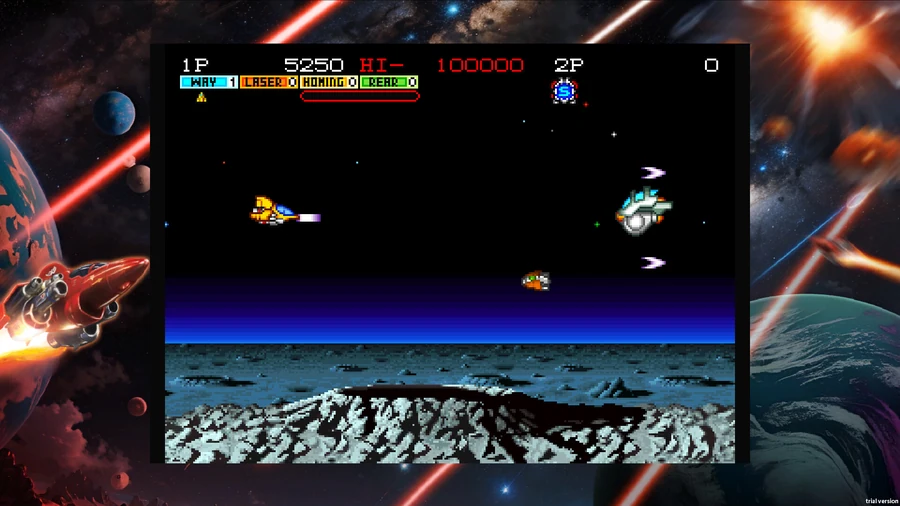 ▶Official release ↗
Andro Dunos
Shooting
Five Nights at Epsteins
Adventure ▶Game website ↗
Awesome Tanks
Shooting ▶Official release ↗